
Tools / Ha/OIII
Toolbar tool
Ha/OIII
Your Seestar's light-pollution filter records two gases through one sensor. This pulls them apart — hydrogen from the red sites, oxygen from the green and blue — and stacks both at once.
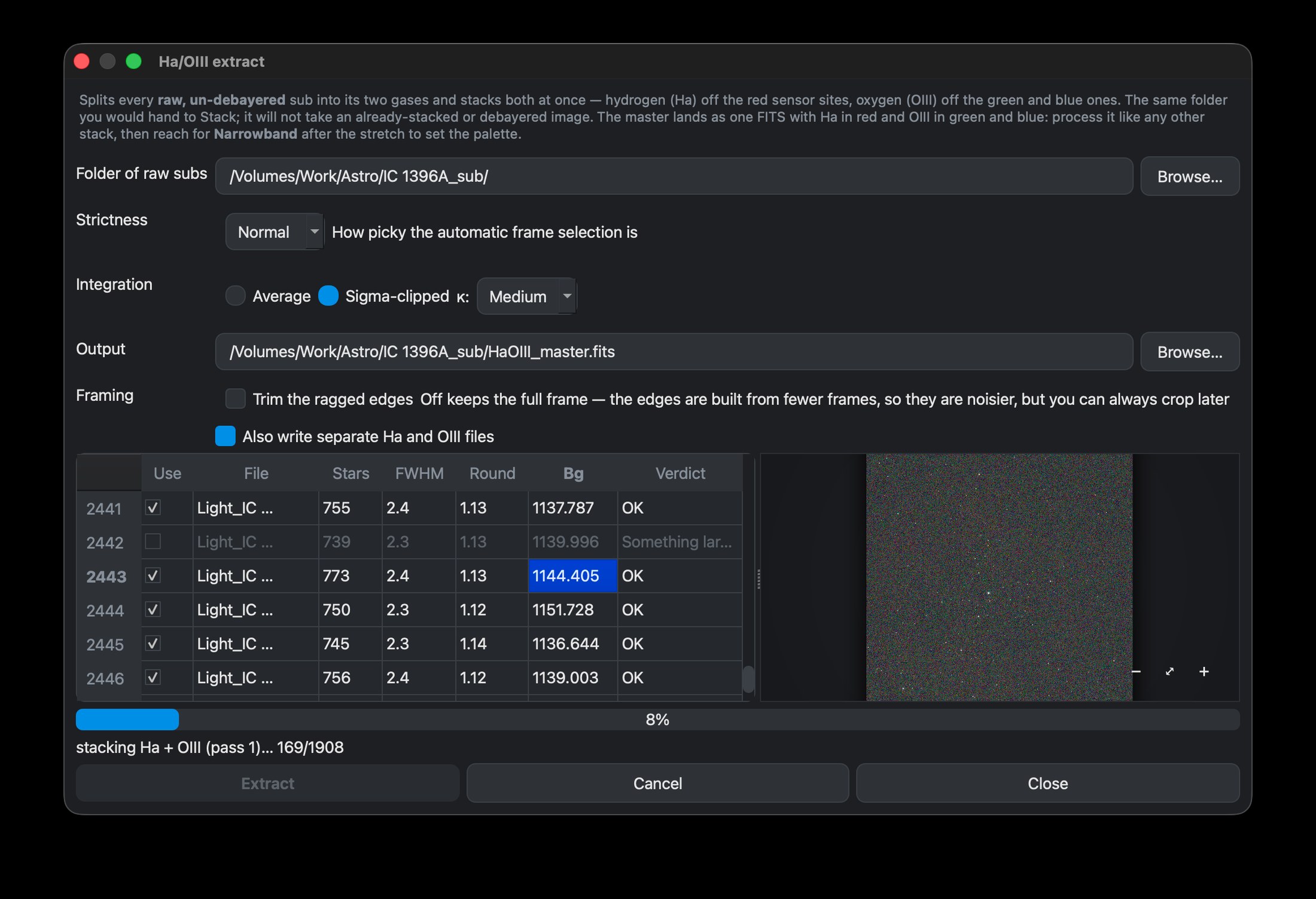
What it does
A dualband filter passes Hα and OIII together, and a colour sensor happens to separate them for you: hydrogen lands almost entirely on the red photosites, oxygen on the green and blue ones. Rather than debayering into a colour image and trying to unmix it afterwards, this reads the raw sensor sites directly, builds a hydrogen frame and an oxygen frame from every sub, and integrates both.
The result is one FITS, still linear, with Ha in red and OIII in green and blue. From there it is an ordinary stack — crop it, remove the background, stretch it, and everything else in the pipeline works as usual.
It needs raw subs, not a stack
This is the one thing worth getting right: it wants the raw, un-debayered sub-exposures — the same folder you would give Stack. It cannot work from an already-stacked master, or from anything that has been debayered into colour, because by then the two gases have been blended into pixels that no longer say which sensor site they came from.
How to use it
- Click Ha/OIII in the toolbar and choose your folder of raw subs.
- Pick a Strictness and an Integration method, exactly as you would for a normal stack — the frames are graded the same way, and poor ones are rejected before either gas is built.
- Optionally tick Also write separate Ha and OIII files, which saves each gas as its own FITS alongside the master.
- Extract. The finished two-gas master loads straight into the editor.
This tool does not choose your colours. It separates the gases and stops there — the palette is Narrowband's job, after the stretch.
Where this tool stopsCombine — when you already have the channels
If you already hold a hydrogen file and an oxygen file — the pair this extractor can write, or channels from anywhere else — Combine builds the same two-gas master from them without re-reading a single sub.
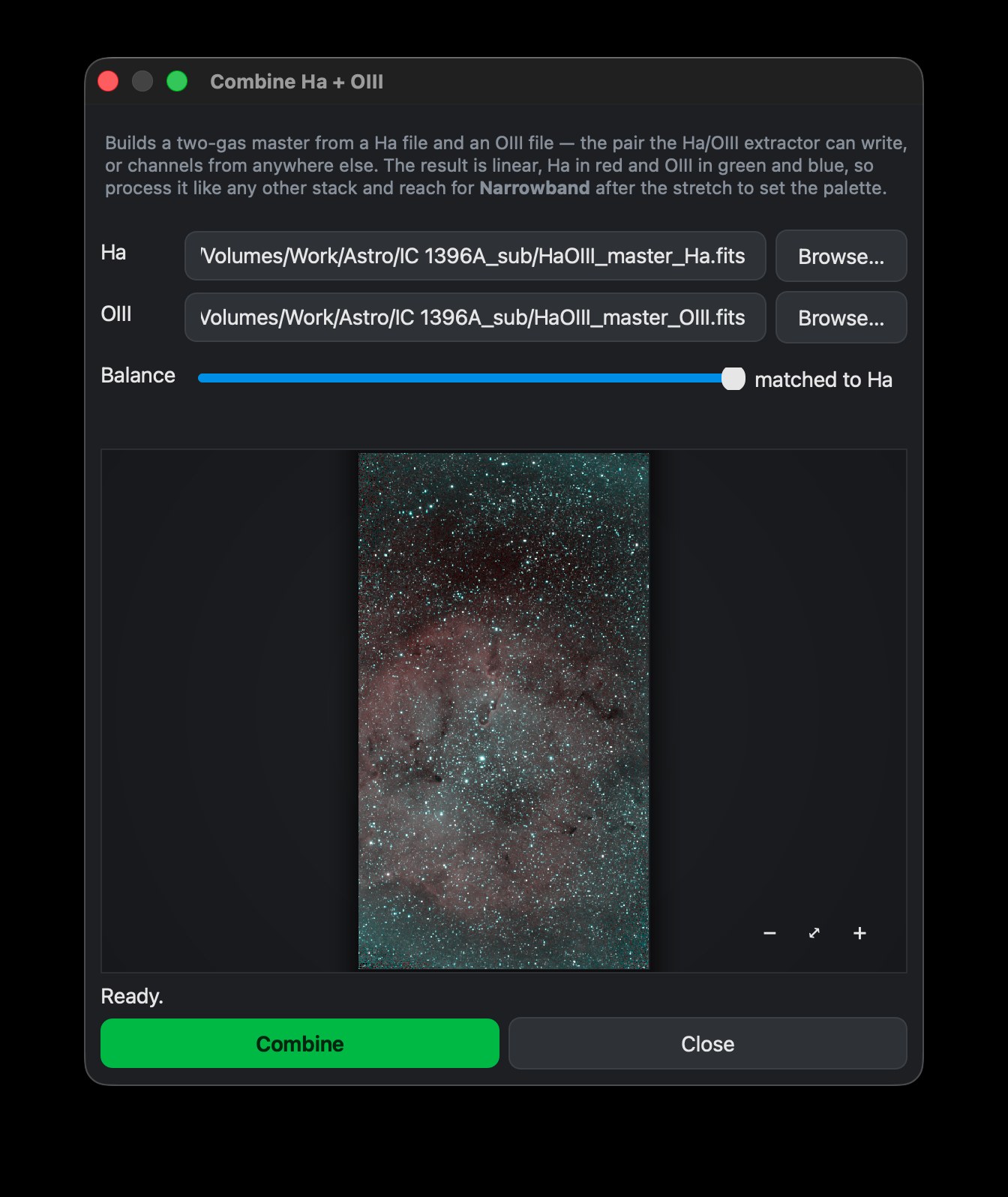
The Balance control decides how the two gases meet. At one end the oxygen is left exactly as measured, so the true ratio between the gases survives — honest, but often very faint next to the hydrogen. At the other it is matched to Ha, brought to the same median and spread, which is what the extractor's own master contains and where the slider starts. Everything in between is a considered compromise rather than a guess: both channels are divided by a single peak, so the ratio you chose is the ratio you keep.
Tips
The preview measures the match at full resolution and hands the answer down to the small image it draws — so what you see is the operation Combine will actually perform, not an approximation of it.
Both routes produce a linear master. Reach for Narrowband after the stretch, and see the Knowledge Base for where the step sits in the pipeline.