
Tools / Upscale Crop
Toolbar tool
Upscale Crop
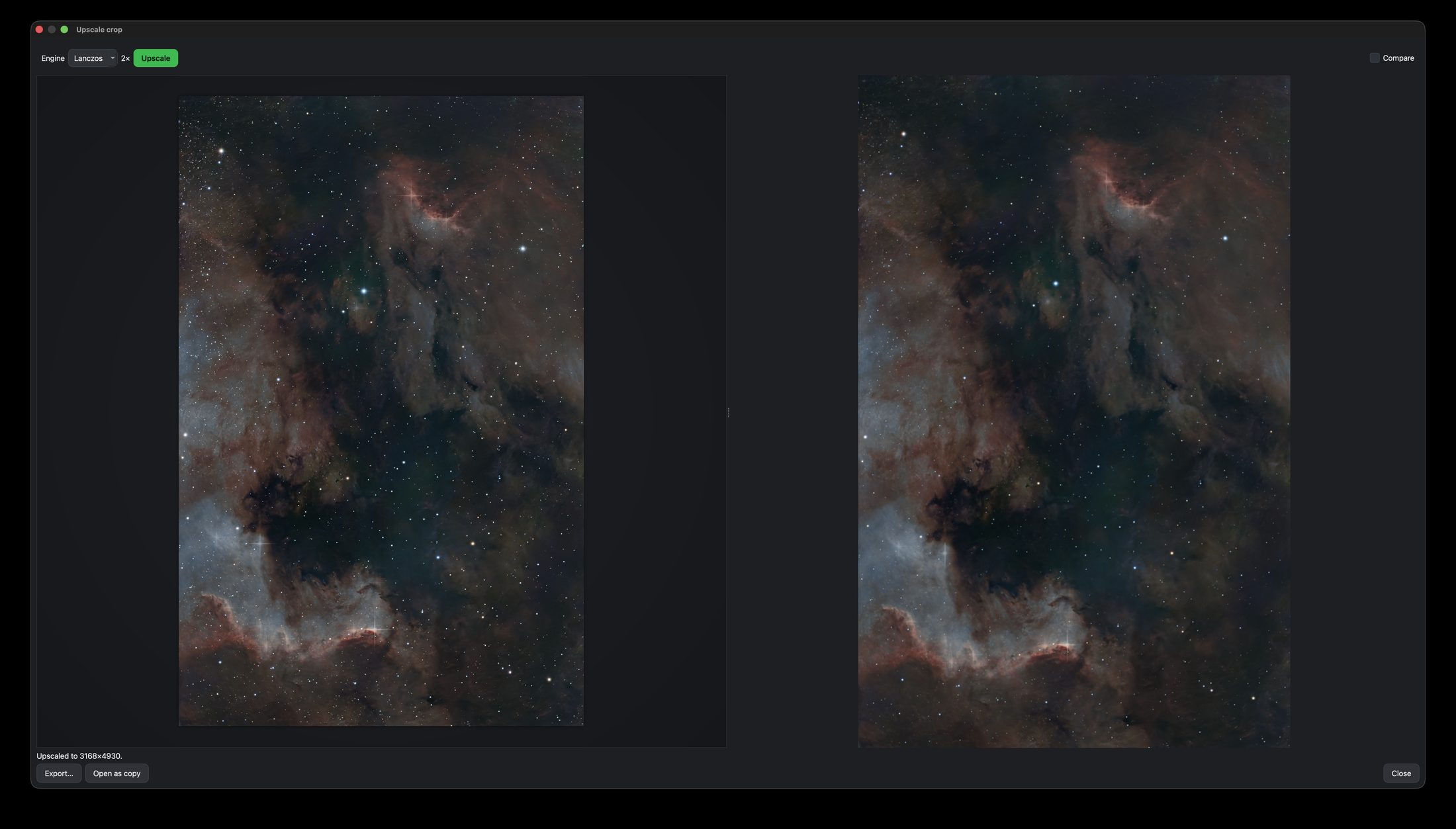
Enlarge a cropped region 2× for a closer, larger view of your subject — with a before/after compare.
What it does
Takes a cropped region of your finished image and scales it up 2×, for a larger, tighter view of the subject — handy when your target is small in the full frame.
How to use it
- Click Upscale Crop in the toolbar and adjust the crop box around your subject.
- Click Upscale; use Compare to see before/after at the same size.
- Export the result, or Open as copy to keep editing it as a new project.
Upscaling cannot invent detail that is not there. It is for reframing tight on a subject, not for rescuing a soft image.
What this tool cannot give youTips
A small text file recording the crop and scale is saved alongside each export.