
Tools / Recipes & Batch
Toolbar tool
Recipes & Batch
Save the exact sequence of steps you applied, then replay it on another image — or on a whole folder in one go.
What it does
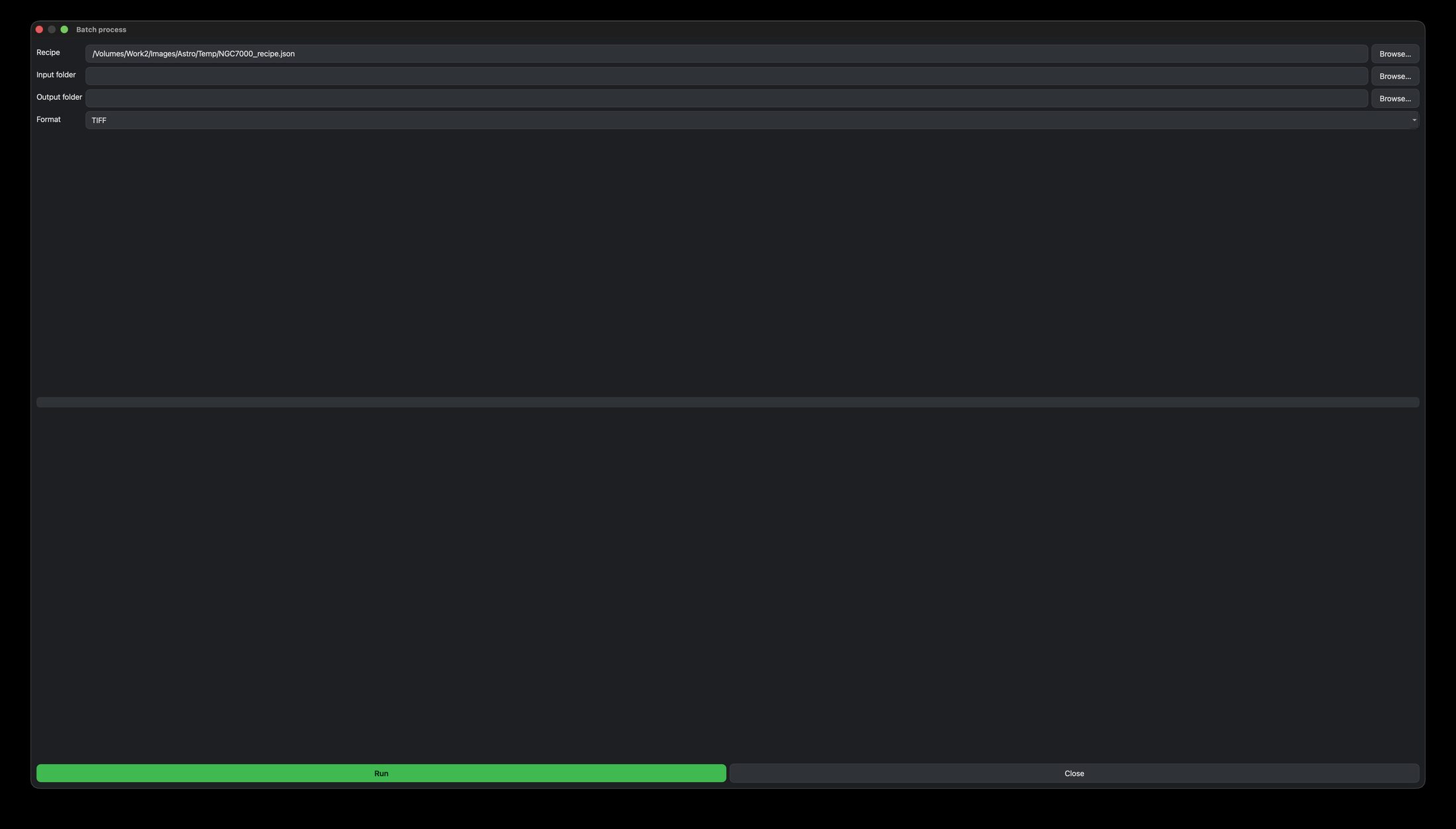
A recipe records the steps you applied — crop, background, colour, stretch, all the way through the Enhancements taps — so you can replay them exactly. Batch then runs a saved recipe over every FITS in a folder, headless, and writes out finished files.
How to use it
- Process one image the way you like it, then click Save Recipe.
- Click Batch, pick your saved recipe, an input folder, an output folder and a format (TIFF / PNG / FITS).
- Run — it processes the whole folder with a progress bar.
The Enhancements taps are captured in recipes too, so your finishing carries through the whole folder — not just the pipeline steps.
What a recipe remembersTips
Great for a night of the same target shot across sessions — dial in one, then batch the rest.