
For the ZWO Seestar S30 Pro
Your telescope did the hard part.
This finishes the picture.
A stacked FITS goes in, a photograph comes out — on your own Mac, without ever touching your originals.
Not affiliated with ZWO, GraXpert, or RC-Astro — just a fan with a Seestar and too many clear-sky ambitions.
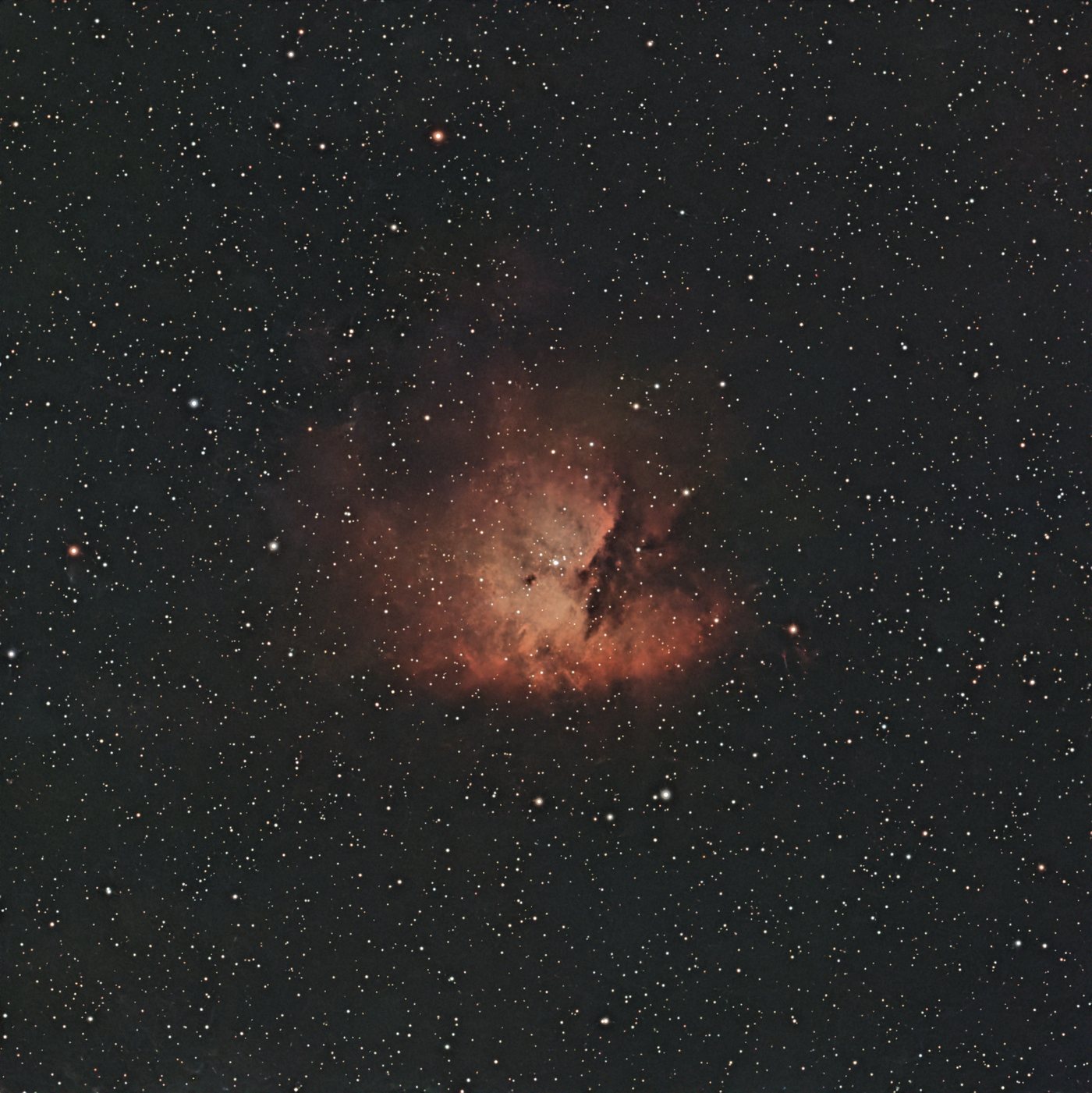
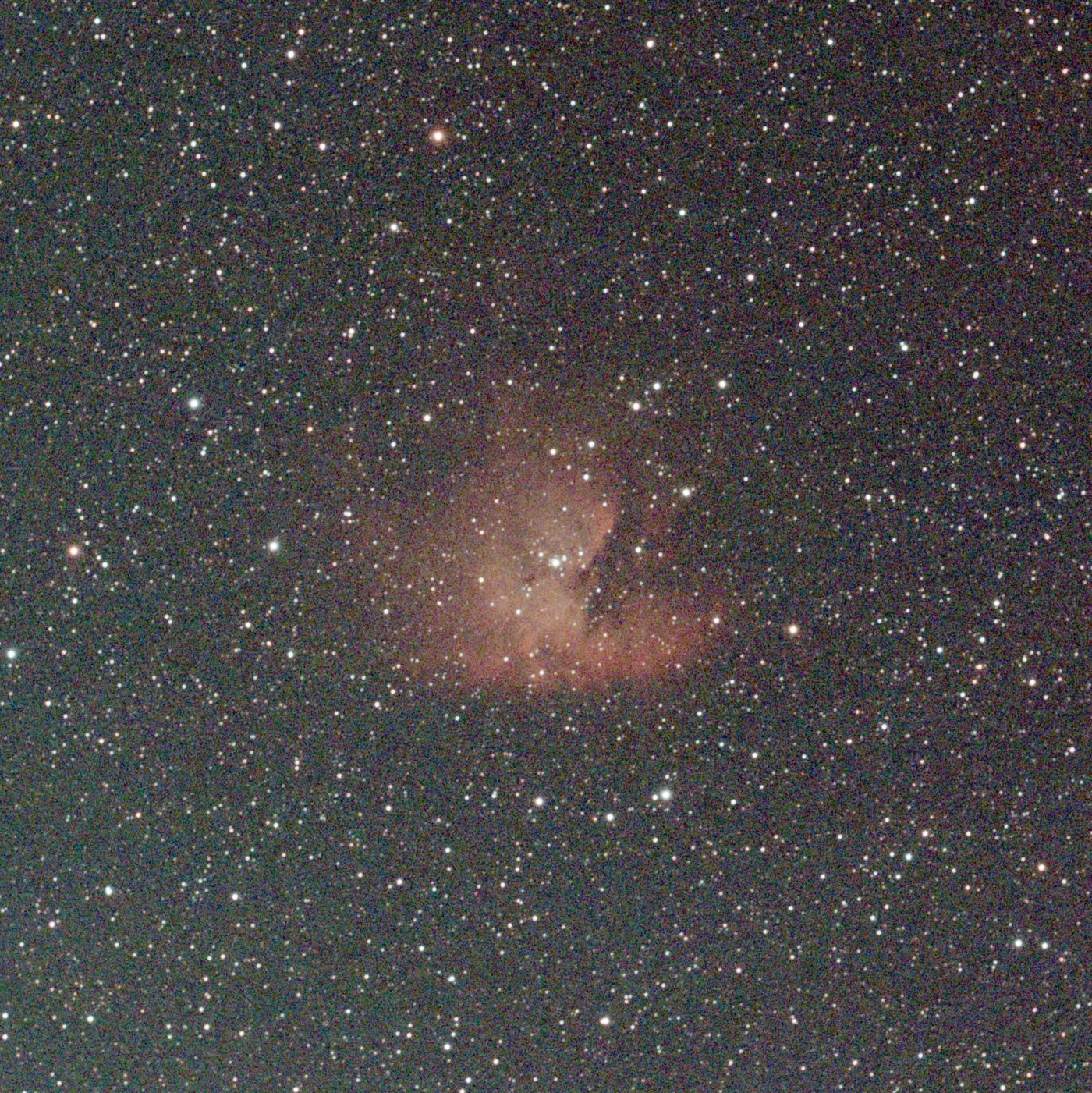 Raw stackFinished
Drag the slider: a flat, noisy raw Seestar stack on the left — the same frame finished in Nocturne on the right. NGC 281, the Pacman Nebula.
Everything from stack to finished image
A guided, non-destructive flow with a live preview and full undo at every step — driving the same professional tools under the hood.
- Stacking & gradingrejects the duds, aligns the rest
- Mosaicspointings solved and assembled
- Drizzle×2 from dithered frames
- Plate solvelabels, grid, compass
- Photometric colourcalibrated against Gaia
- NarrowbandHa + OIII in one press
- Denoise & backgroundGraXpert and RC-Astro
- Star toolsreduce, colour, spikes
- Curves & levelsper channel, per colour
- Pixel readoutand a clipping warning
- Recipes & batchone folder, one recipe
- Sharetitle plate, ready to post
See what a Seestar stack can become
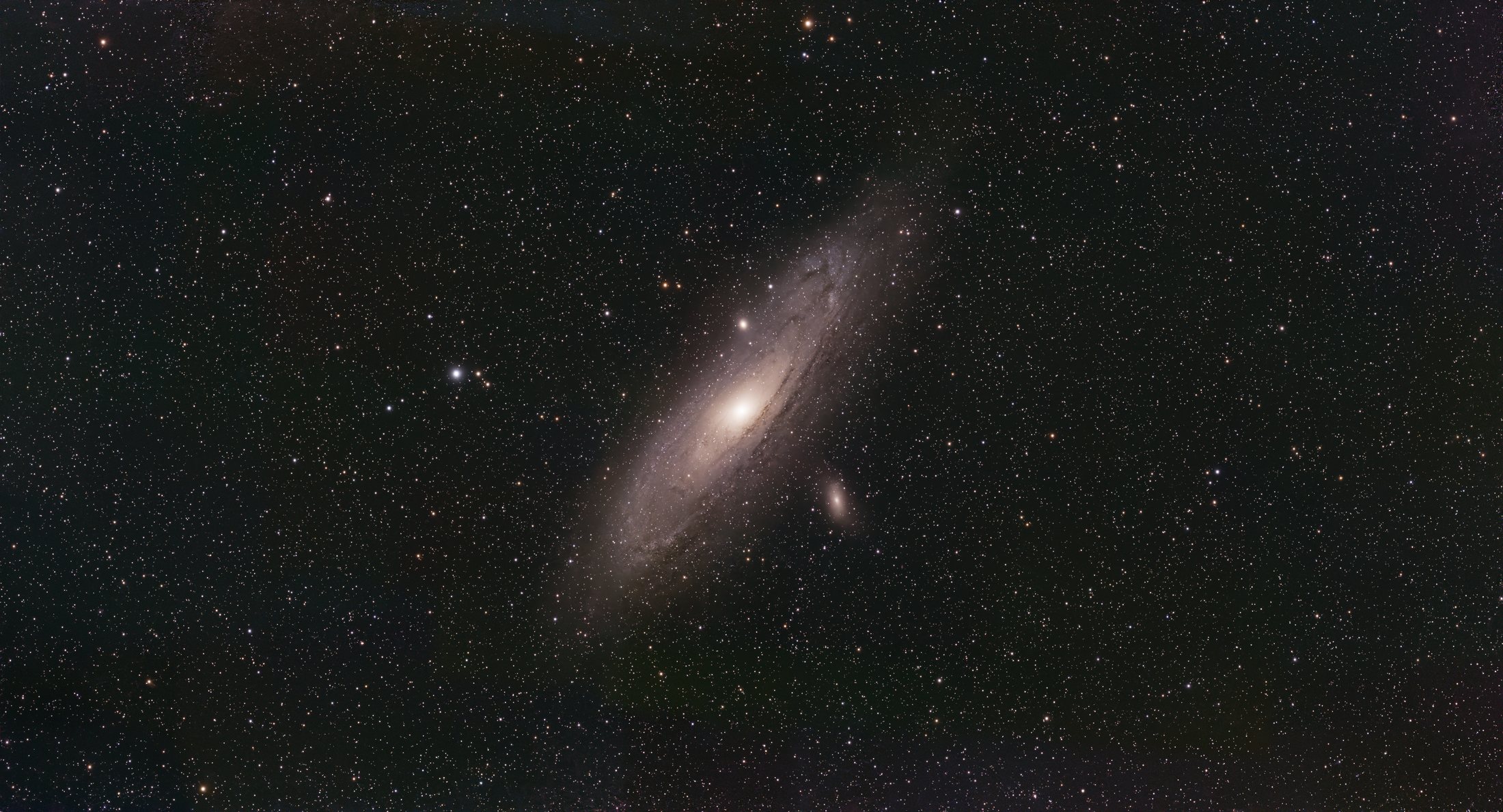
A single stacked frame, finished in Nocturne — broadband, or one-press narrowband.
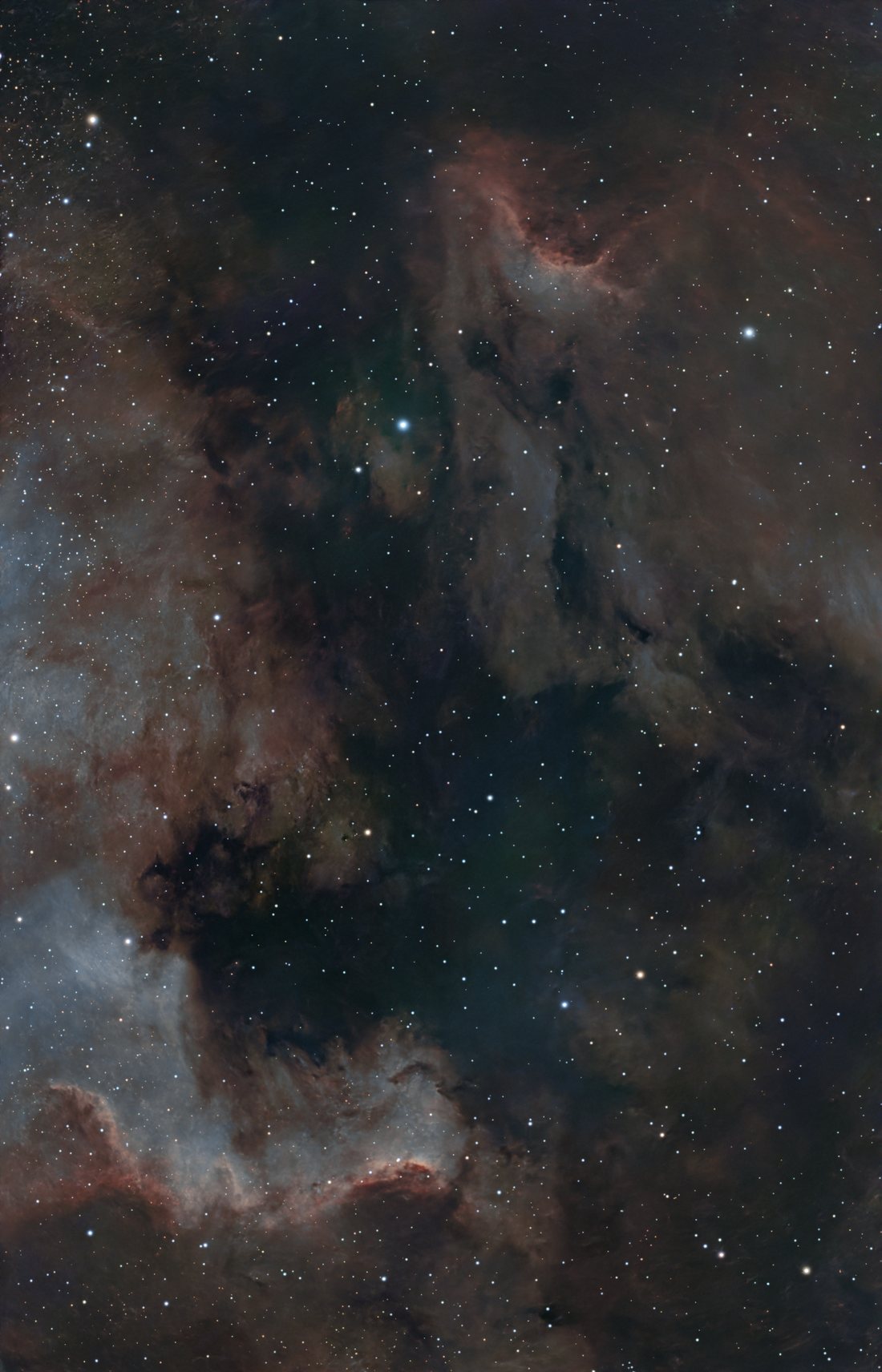
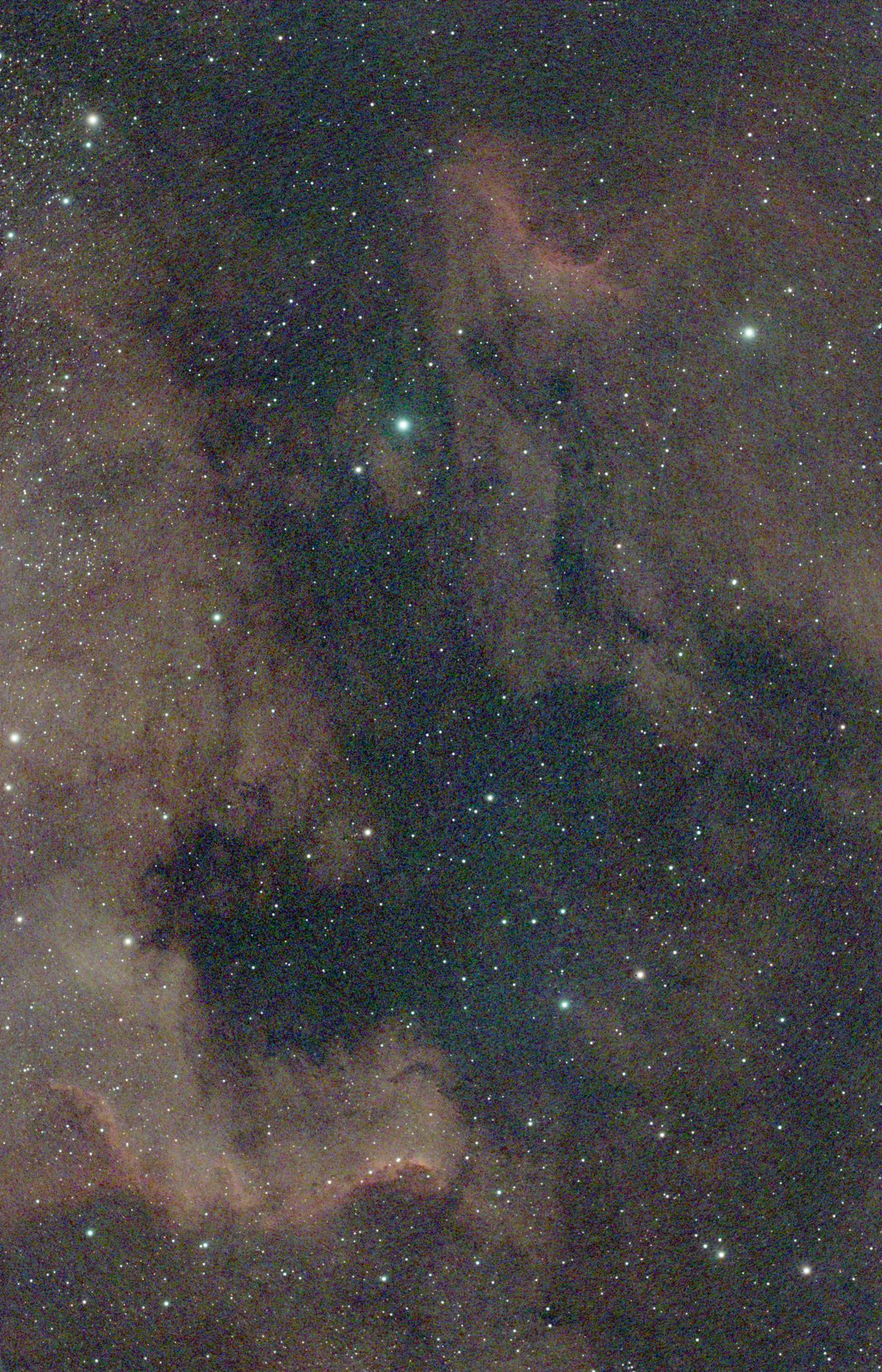 Raw stackNarrowband
NGC 7000 — a raw stack turned to narrowband colour in one press.
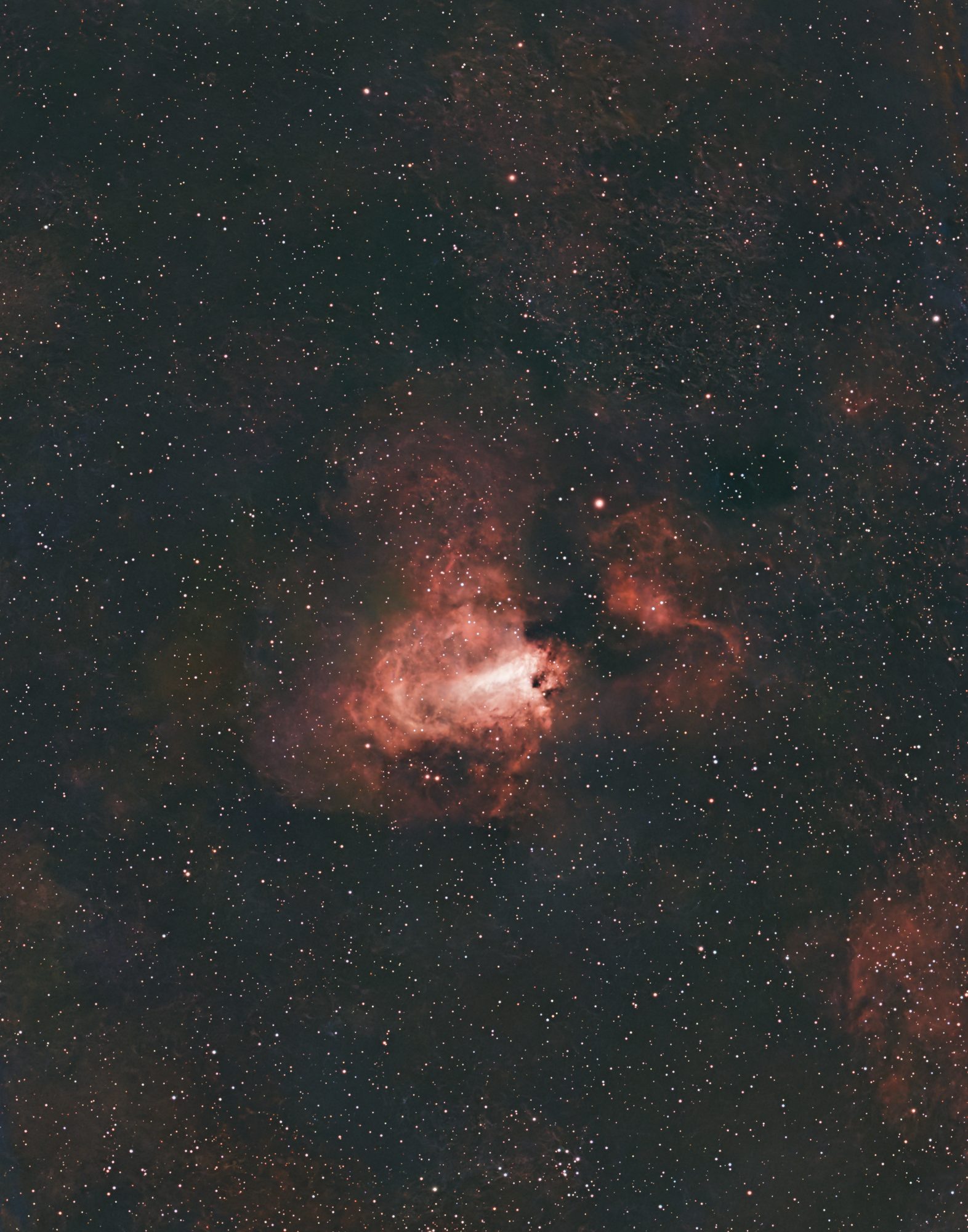
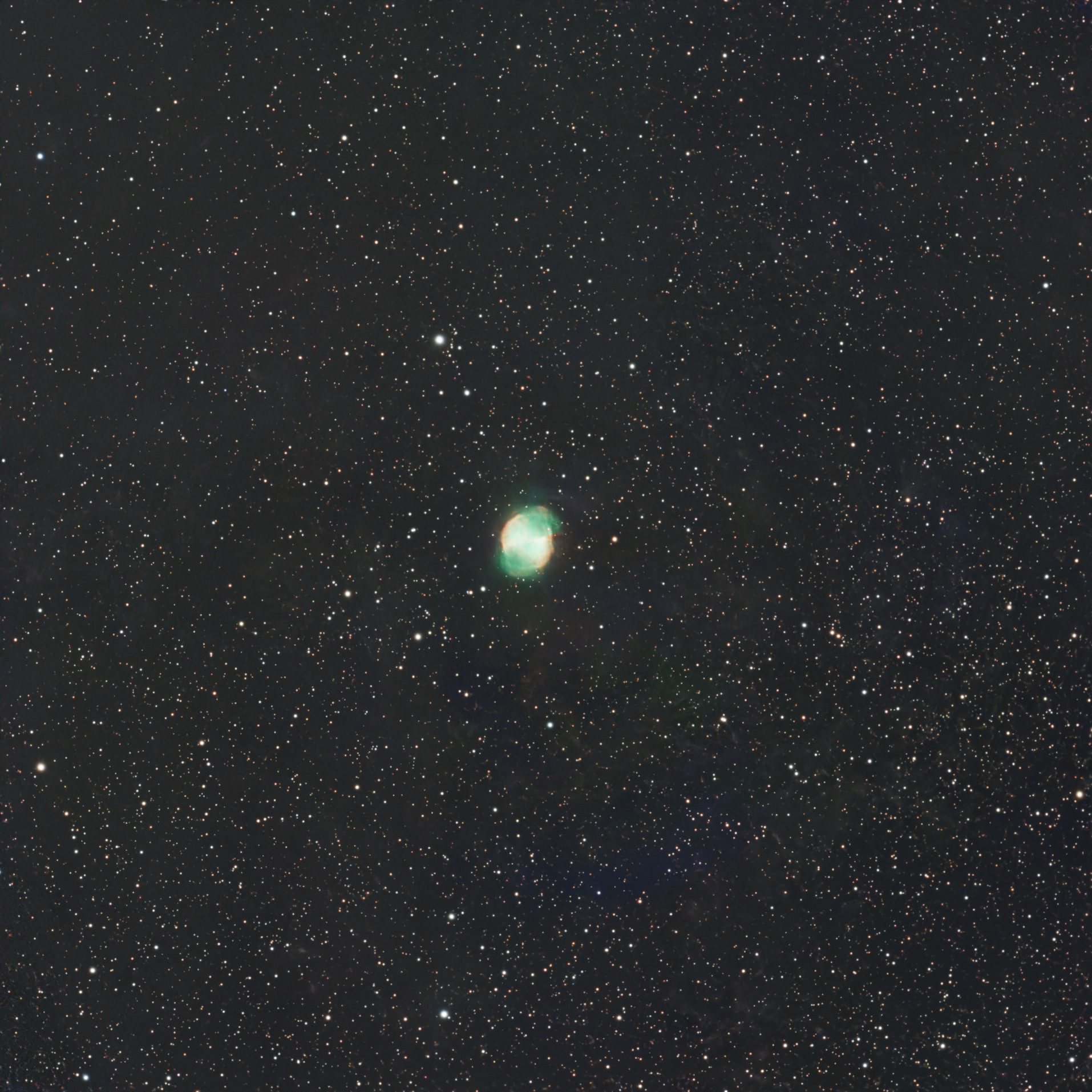
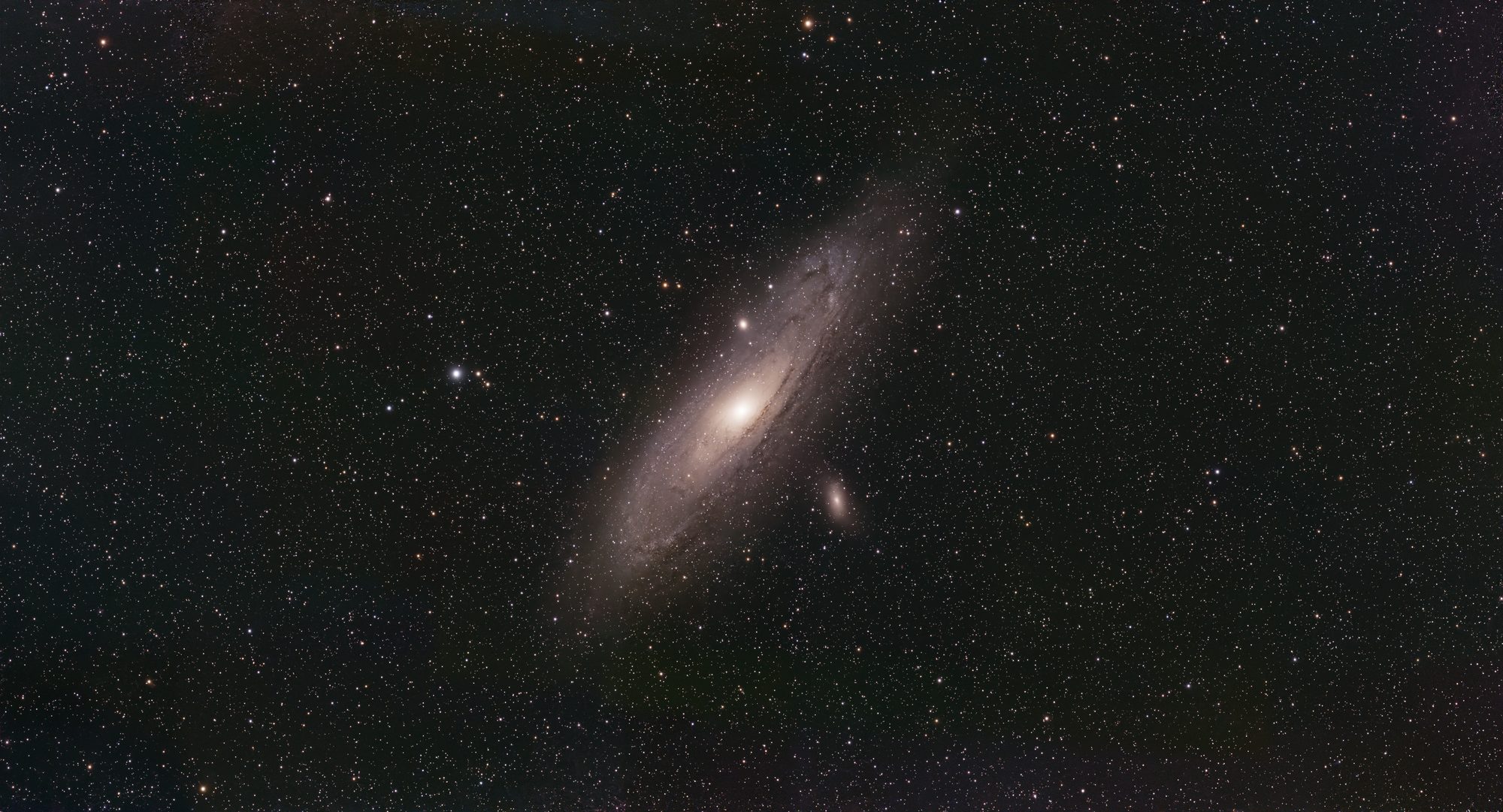
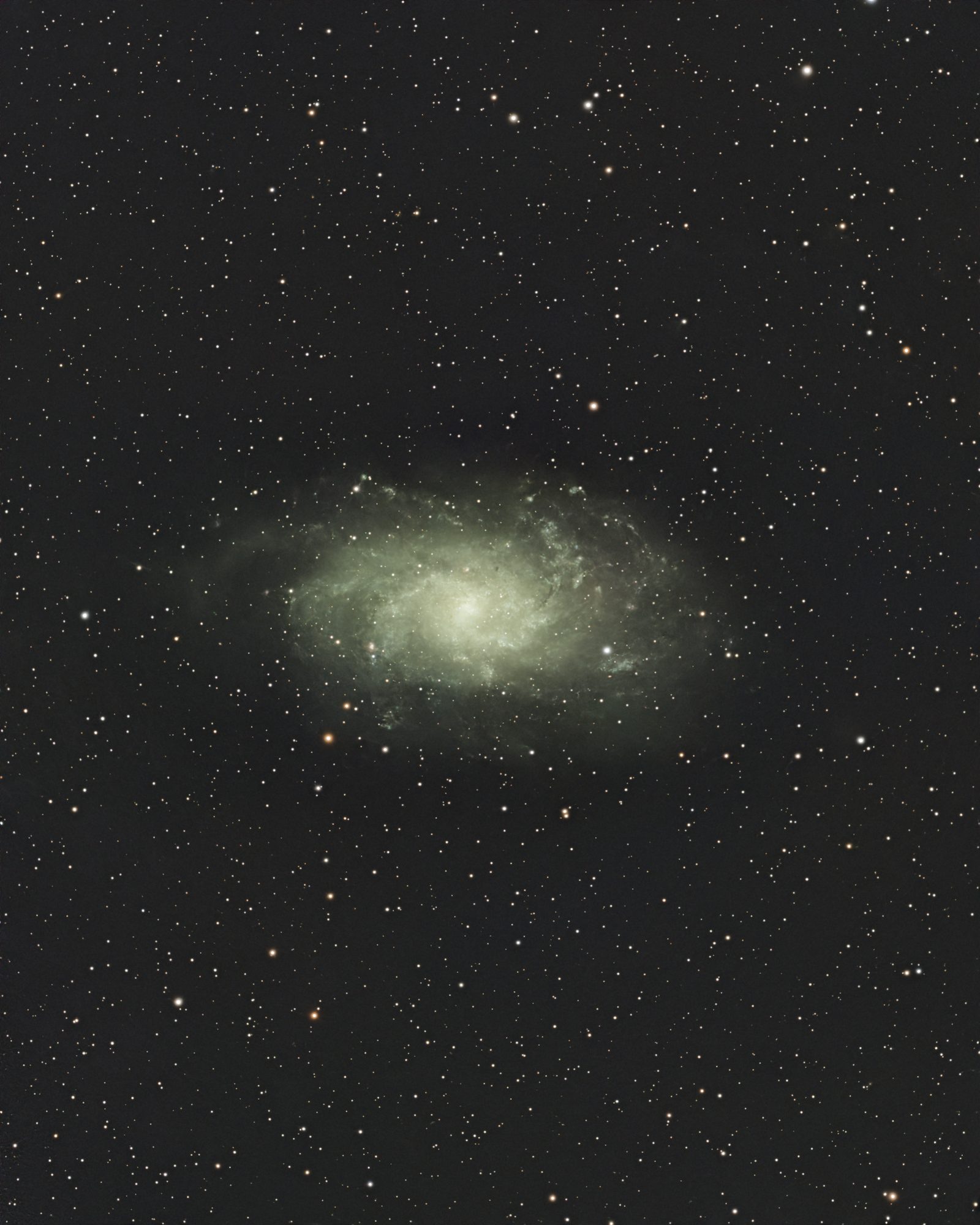
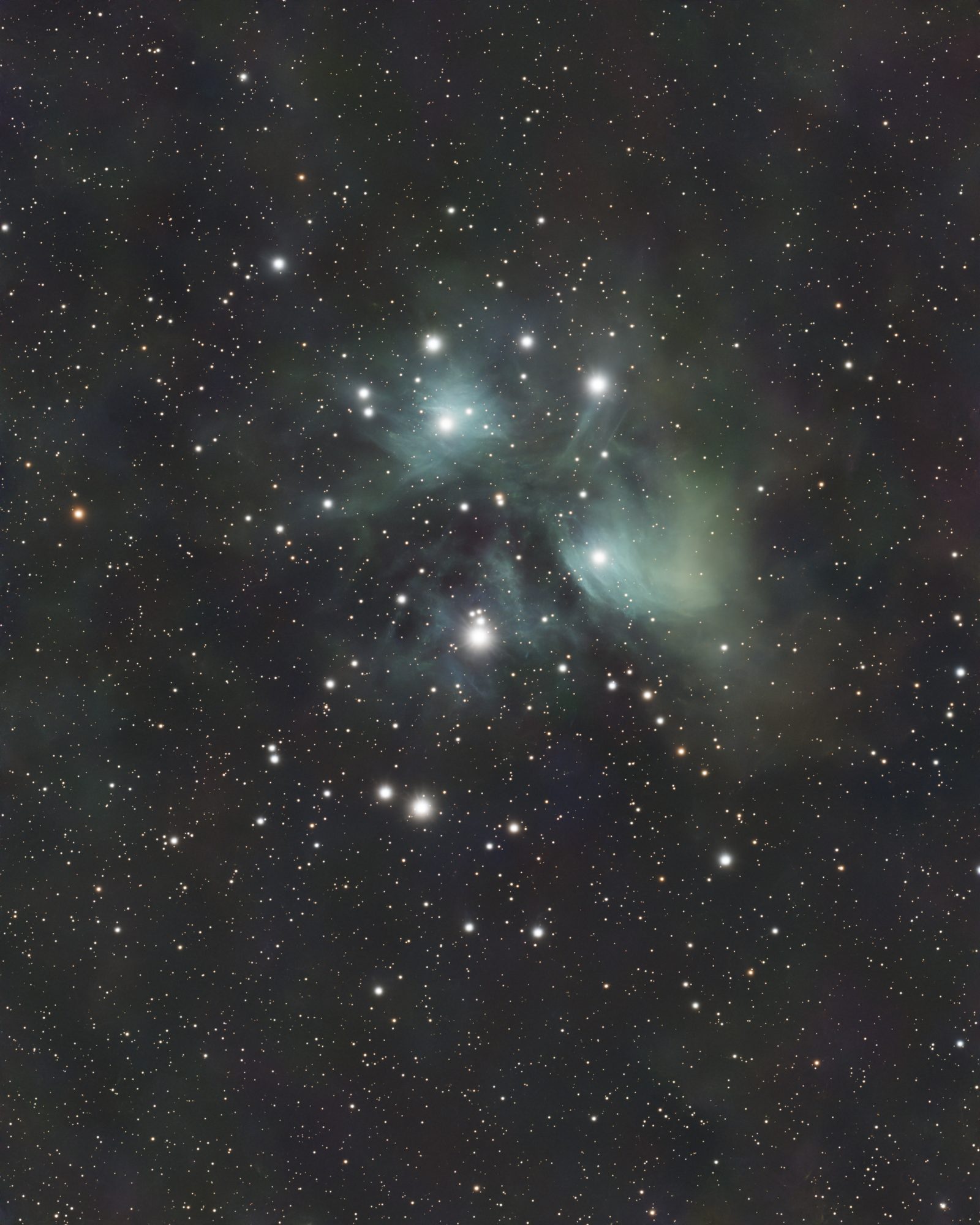
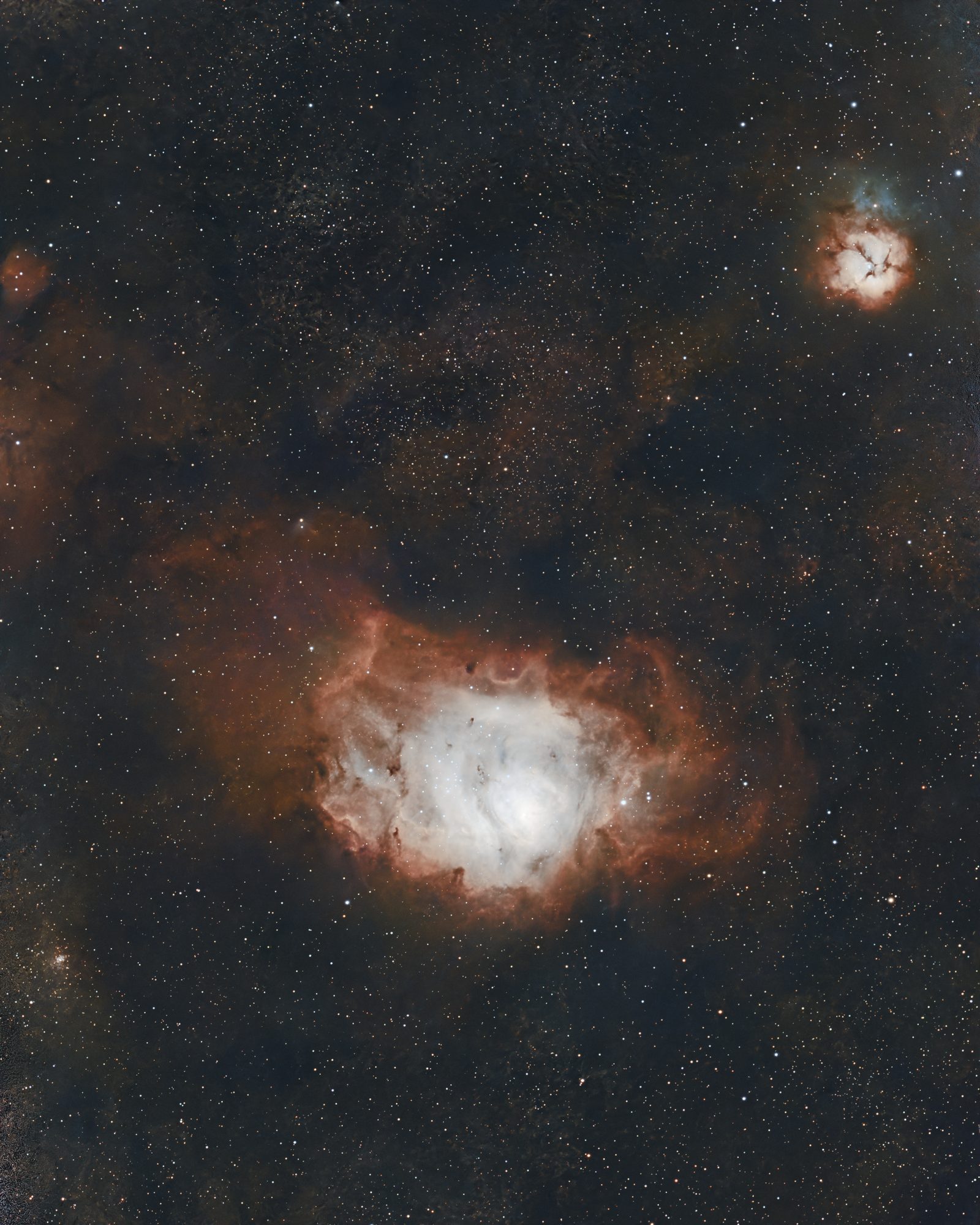
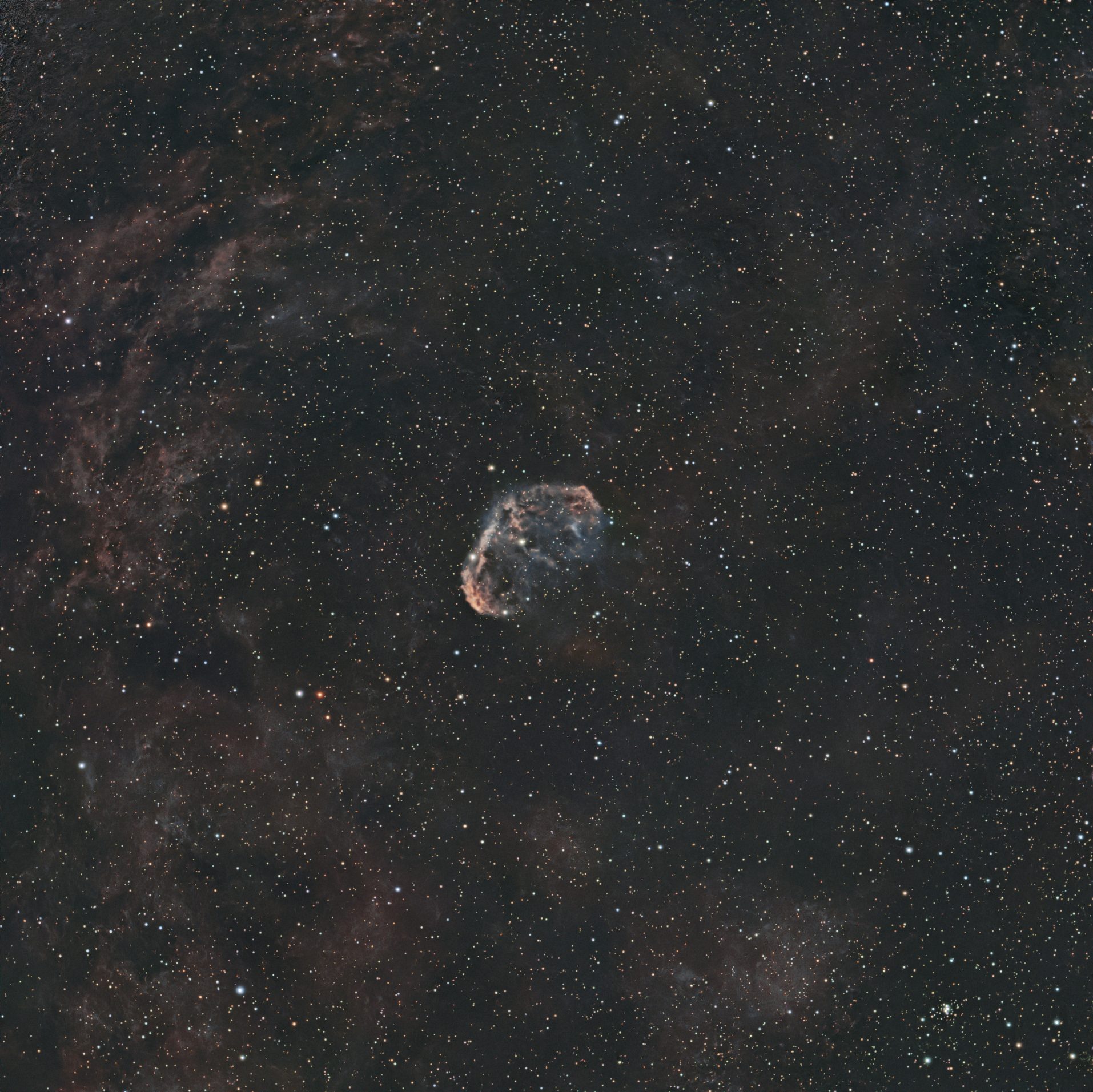
Click any image to enlarge. Every one shot on a ZWO Seestar and finished in Nocturne.
Beginner-friendly by design
Nocturne explains the concepts as you go, so you learn while you process.
Linear → stretched
Raw data is nearly black until it's stretched. Nocturne previews it stretched and commits the real stretch when you're ready.
Dualband → colour
Your Seestar's LP filter captures Ha + OIII. One press maps that narrowband data into a natural two-gas colour image.
Never destructive
Every step is cached. Undo, redo, compare before/after, or jump back to any step — nothing is lost until you export.
What you need
GraXpert free
Background & gradient extraction, plus a denoise option. Free and quick to install — the one tool worth setting up on day one. Point Nocturne at it in Settings.
ASTAP free optional
Adds plate-solving, target identification and annotation. Free — install it and its D05 star database, then set the path in Settings.
RC-Astro optional · paid
BlurX / NoiseX / StarX for pro-grade deconvolution, denoise and star handling. Every step has a free fallback, so Nocturne works fully without it — it's simply better with it.
Nocturne drives these as separate installs and does not bundle them — see the Knowledge Base for setup. Not affiliated with ZWO, GraXpert, or RC-Astro.
Get Nocturne
Download for macOSmacOS · Apple Silicon (M1 or newer) · free · beta
Nothing to process yet? Sample data — real Seestar captures, free to download.
Apple Silicon only for now (no Intel build yet). It isn't notarized either, so on first launch macOS may block it. Right-click the app → Open → Open, or allow it under System Settings → Privacy & Security.
Lend your light ⭐
Nocturne is early, and more test data makes it better. Share a stacked dualband/LP FITS master and you'll be credited in-app as a Photon Donor.
Max 512 MB · a stacked FITS master (.fit / .fits). Donated data is used only to test and improve Nocturne — never shared, sold, or republished.
What's stored: your file, whatever you typed above, and your IP address — the IP purely to rate-limit uploads. Your email is never shown publicly and is only used if I need to ask you something about the file. Files are deleted within 4 weeks (automatically), along with the IP; only the credit details you chose to give are kept. Want anything removed sooner? Email andreas@stehn.com.
Every step is reversible, and the preview always equals what you export. If the screen shows it, the file has it.
A rule the whole app is built on